Posted by IATadmin on December 5, 2012

round, light, rough granite river stones
2592×1944 pixels – 3442KB
Posted by IATadmin on November 28, 2012

long, looping, curvy, rough, dry, scratchy brush strokes
4211×3502 pixels – 11030KB
Posted by IATadmin on November 28, 2012

gritty, dirty, rough, grungy, light, dark stone
2592×1944 pixels – 3751KB
Posted by IATadmin on November 21, 2012
 dark, dense, splatter spray with drips
4254×3196 pixels – 7833KB
Posted by IATadmin on November 21, 2012

bright, gritty, grainy bokeh circles
3264×2448 pixels – 3779KB
Posted by IATadmin on November 14, 2012

watery, bleeding inky wash shapes
2816×1784 pixels – 1629KB
1 of 7
Read More
Posted by IATadmin on November 14, 2012
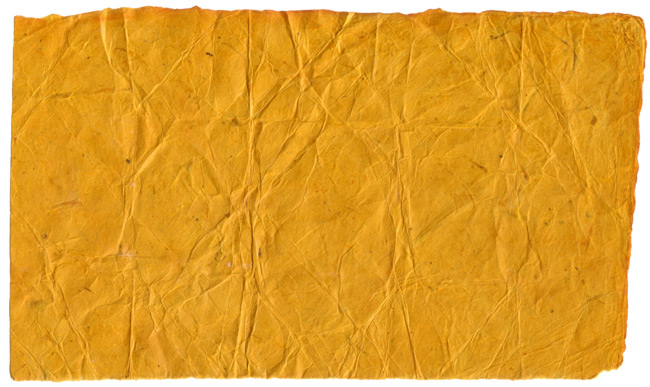
rough, organic, creased, wrinkled, folded, orange hand-made paper
3910×2330 pixels – 7335KB
Posted by IATadmin on November 7, 2012
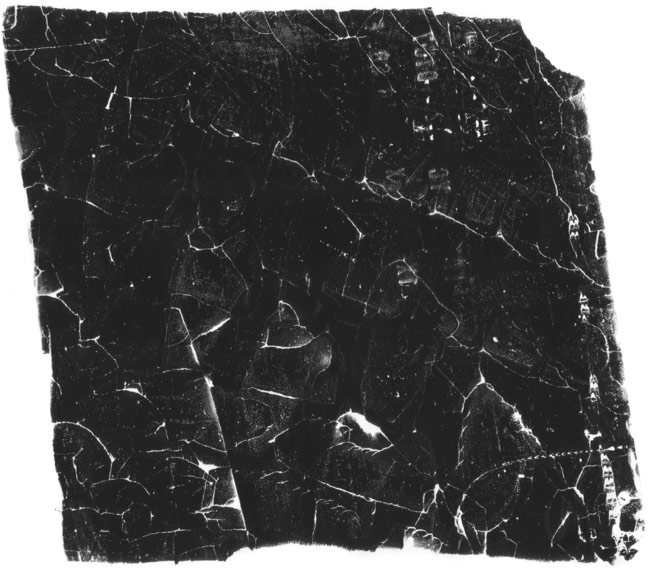
dark, cracked,scratched, rough ink imprint
3761×3287 pixels – 5749KB
Posted by IATadmin on November 7, 2012

dirty, dusty drippy spray paint
3264×2448 pixels – 5072KB
Posted by IATadmin on October 31, 2012

wet, splashy, drippy ink washes with wrinkled paper texture
1967×1417 pixels – 1297KB
Posted by IATadmin on October 31, 2012

crumbly, cracked, toasted baked casserole topping
4224×3168 pixels – 9870KB
Posted by IATadmin on October 24, 2012

wet, mottled rolled ink shape
3330×3220 pixels – 5956KB
Posted by IATadmin on October 24, 2012

rough, chipped, small ceramic tiles
2464×1853 pixels – 3469KB
Posted by IATadmin on October 17, 2012
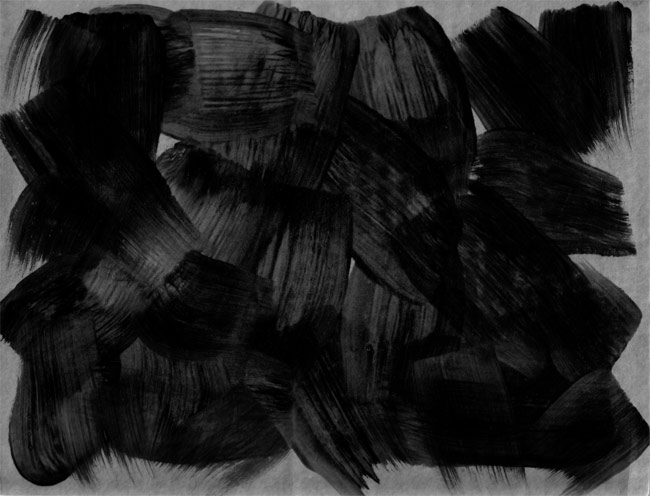
thick, dark, brushstrokes on medium grey cardboard
3311×2529 pixels – 3525KB
Posted by IATadmin on October 17, 2012

orange, rusty, stained, flaking, painted metal
2574×1920 pixels – 4947KB
1 of 6
Read More
Posted by IATadmin on October 10, 2012

rough, dry rolled ink
3586×2236 pixels – 4342KB
Posted by IATadmin on October 10, 2012

rippling, wavy, distorted light refractions on sea water
3264×2448 pixels – 3769KB
Posted by IATadmin on October 5, 2012
Layer Blending and Smart Objects
You can use Photoshop’s Layer Blending options to combine textures and shapes for rich and colourful effects.
Smart Objects will let you make changes without undoing existing work.

Read More
Posted by IATadmin on October 3, 2012

solid rolled ink with rough edges and subtle texture
2220×1440 pixels – 1331KB
Posted by IATadmin on October 3, 2012

cracked, rough, worn, chipped, antique ceramic floor tile
2592×1944 pixels – 4851KB


 dark, dense, splatter spray with drips


